
Microsoft Solitaire Collection: A Guide to Classic Card Games and Daily Challenges
Microsoft Solitaire Collection: Classic Card Games, One App
Microsoft Solitaire Collection brings several familiar card games together in one convenient package. Whether you enjoy the classic challenge of Solitaire or want to try a different style of play, the collection offers a range of games for quick breaks and longer sessions.
Five Games to Explore
The collection includes five popular solitaire games, each with its own rules and strategy:
- Klondike: The classic version many players know as simply “Solitaire.” Move cards between columns and build the four foundation piles by suit.
- Spider: Arrange cards into complete sequences, usually working with multiple suits and card stacks.
- FreeCell: Use four open cells to temporarily hold cards. Nearly every deal can be solved with careful planning.
- Pyramid: Remove pairs of cards that add up to 13, clearing the pyramid as you go.
- TriPeaks: Clear three peaks of cards by selecting cards one rank higher or lower than the active card.
Challenges and Daily Play
For players who like a regular goal, Microsoft Solitaire Collection offers features such as daily challenges and themed events. These activities can add variety to familiar games and encourage players to try new strategies. Progress, rewards, and available activities may vary by device and version.
Personalized Play
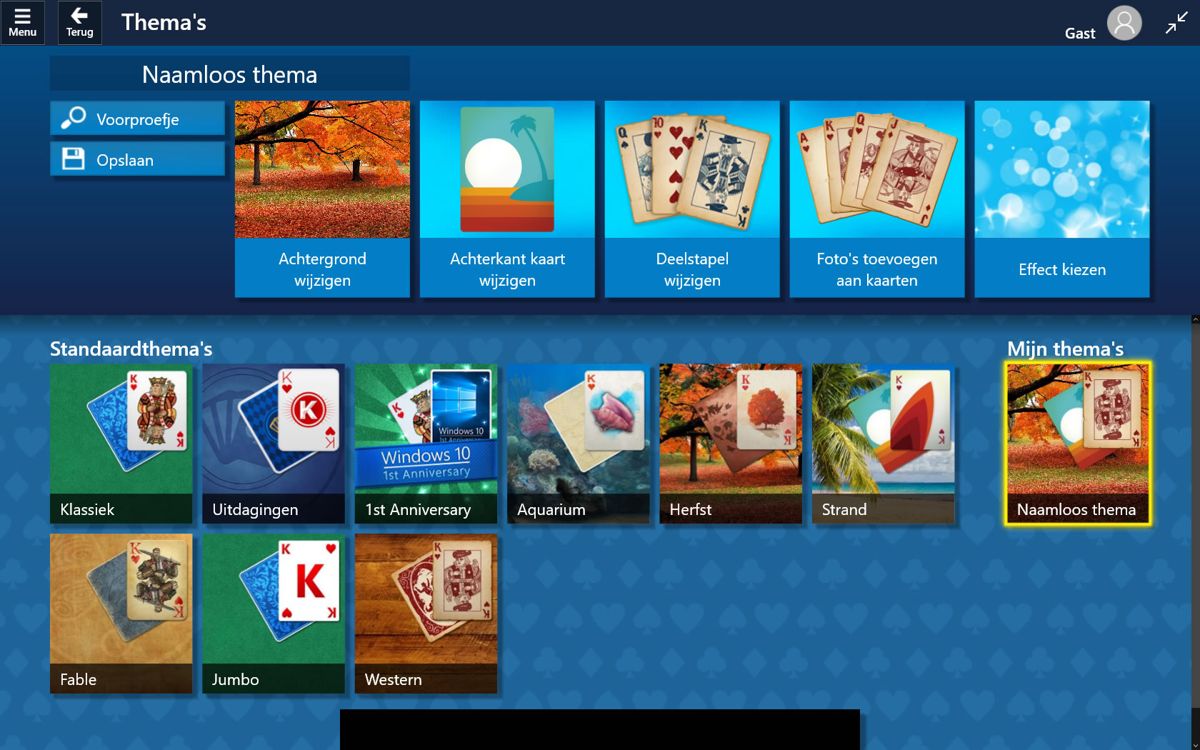
Players can often adjust settings to suit their preferences, including card designs, backgrounds, difficulty options, and gameplay controls. The collection is designed for both newcomers and experienced players, with helpful features that can make learning the rules easier.
A Convenient Way to Play
Microsoft Solitaire Collection is available on supported Windows devices and mobile platforms, though availability and features can differ by region and device. The app may include advertising, with paid options or subscriptions available in some versions. Check the store listing for your device for current details.
With five distinct games, optional challenges, and plenty of ways to personalize a session, Microsoft Solitaire Collection offers a familiar card-game experience with enough variety to keep players coming back. It’s a simple choice for anyone looking to sharpen their strategy, pass a few minutes, or revisit a timeless favorite.
Master Microsoft Solitaire Collection: 8 Essential Tips for Success
- Use hints when you’re stuck, but check whether another move is better.
- Undo a move to explore a different strategy.
- In Klondike, reveal face-down cards as soon as you can.
- In Spider, build same-suit sequences to clear columns.
- In FreeCell, keep free cells open for flexibility.
- In Pyramid, plan pairs that add up to 13.
- In TriPeaks, look for long runs of consecutive cards.
- Check daily challenges for fresh goals and rewards.
Use hints when you’re stuck, but check whether another move is better.
When you’re stuck in Microsoft Solitaire Collection, use a hint to spot a move you may have missed—but don’t assume it’s automatically the best choice. Check how the suggested move affects your options, and consider whether another play could uncover a face-down card, free up a column, or preserve a useful card for later. A moment of comparison can help you make a smarter move and keep the game going.
Undo a move to explore a different strategy.
Use the Undo feature in Microsoft Solitaire Collection to explore a different strategy when a move doesn’t work out as planned. You can step back, try another card sequence, and see how it changes your options—especially useful in games like Klondike, Spider, and FreeCell, where one decision can affect the rest of the deal. Undoing a move is a simple way to learn from each game and discover new approaches.
In Klondike, reveal face-down cards as soon as you can.
In Klondike, reveal face-down cards as soon as you can. Turning over hidden cards gives you more options and may uncover a card you need to build a sequence or move cards to the foundation piles. When choosing between moves, favor the one that opens a face-down card—especially in a longer tableau column—so you can make the most of each turn.
In Spider, build same-suit sequences to clear columns.
In Spider, focus on building complete sequences in the same suit, arranging cards in descending order from King to Ace. Once a full same-suit sequence is complete, it is cleared from the tableau, freeing space and making it easier to uncover face-down cards. Planning moves around suit consistency can help you clear columns more efficiently and work toward completing the game.
In FreeCell, keep free cells open for flexibility.
In FreeCell, try to keep as many free cells open as possible. Each empty cell gives you more room to temporarily move cards, rearrange columns, and uncover the cards you need. Before placing a card in a free cell, consider whether that move will limit your options later—saving your cells for moments when you truly need flexibility can make a difficult deal much easier to solve.
In Pyramid, plan pairs that add up to 13.
In Pyramid, planning pairs that add up to 13 is key to clearing the board. Before removing a pair, check how it affects the cards above it and look for moves that uncover useful options. Since kings can be removed on their own, use them to open space when possible, and avoid clearing a pair too quickly if doing so could leave important cards blocked. A little planning can help you reveal more of the pyramid and improve your chances of finishing the game.
In TriPeaks, look for long runs of consecutive cards.
In TriPeaks, look for long runs of consecutive cards to clear more of the board in a single sequence. Before making a move, scan the exposed cards for a chain that steps up or down by one rank—for example, a 6, 7, 8, and 9—then choose the starting card that opens the longest run. Longer sequences can reveal hidden cards and keep your momentum going, but check the available options first so you don’t break up a useful chain too soon.
Check daily challenges for fresh goals and rewards.
Check the Daily Challenges in Microsoft Solitaire Collection for a fresh goal each day. They offer a fun way to try different games, practice new strategies, and earn rewards as you complete each challenge. Keep your streak going by checking back regularly, and enjoy a little extra motivation with every hand.


Leave a Comment