
Event Calendar: Find and Plan Your Next Tournament
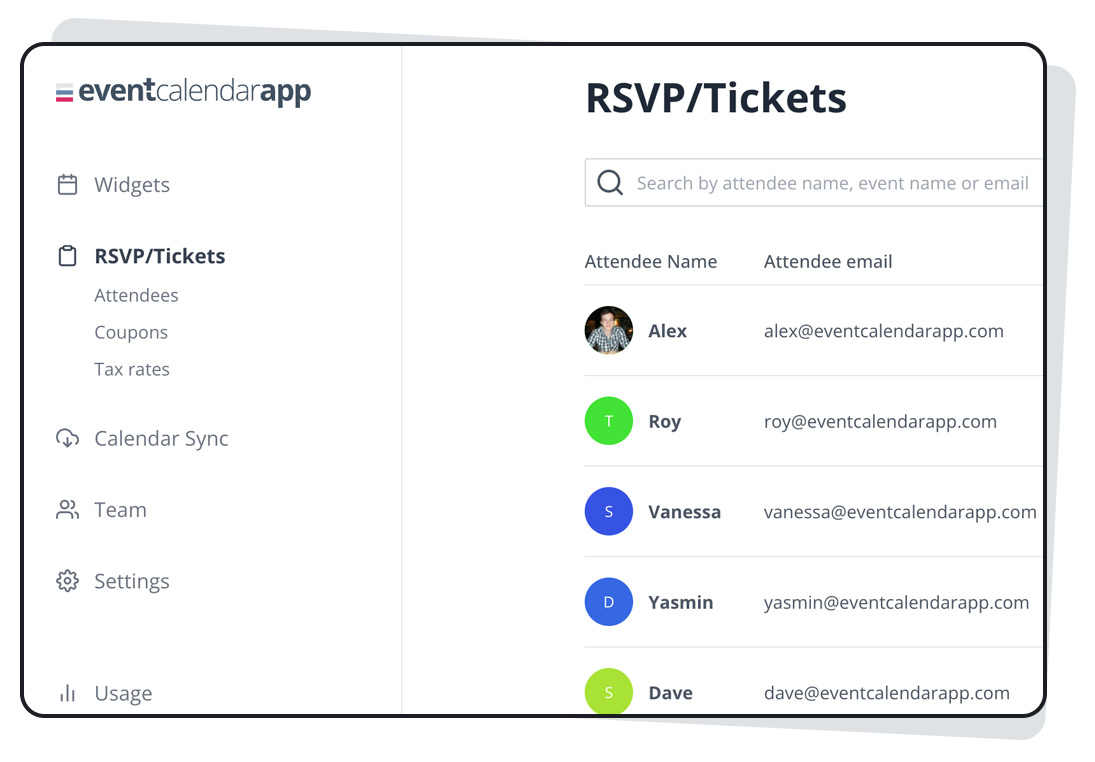
Stay in the Game with Our Event Calendar
Never miss a chance to compete. The event calendar helps you keep track of upcoming tournaments, registration deadlines, match times, and other important gaming events. Whether you’re planning your next competition or looking for a tournament to join, check the calendar regularly to see what’s coming up.
Find an Event That Fits Your Schedule
Browse the calendar to explore scheduled events and find opportunities that match your interests and availability. Each event listing may include key details such as the game, tournament format, start date, participation requirements, and registration information. Review the listing before signing up so you know what to expect.
Keep Track of Important Dates
Tournament spots and registration windows may be limited. Pay attention to deadlines, check-in periods, and scheduled match times so you’re ready to participate. If an event’s schedule changes, look for updates on the event page or through the tournament’s official communication channels.
Check Time Zones and Event Details
Event times may be displayed in a specific time zone. Confirm the time zone shown and convert the start time to your local time if needed. It’s also a good idea to review the rules, eligibility requirements, and any instructions for joining before the event begins.
Plan Ahead and Join the Competition
Make the event calendar part of your regular routine. Save the dates that interest you, complete registration early, and leave enough time to prepare. With a little planning, you can focus on what matters when the competition starts: playing your best.
Check the event calendar often for the latest schedule and upcoming opportunities to compete.
Everything You Need to Know About Using an Event Calendar: FAQs Answered
- What is an event calendar?
- How do I find upcoming events on the calendar?
- How do I register for an event?
- How can I add an event to my personal calendar?
- Are event times shown in my local time zone?
- How can I get updates if an event changes or is canceled?
- Where can I find an event’s rules and eligibility requirements?
- What should I do if I miss an event’s registration deadline?
What is an event calendar?
An event calendar is a schedule of upcoming tournaments and other gaming events. It helps you find important details—such as event dates, start times, registration deadlines, and participation requirements—in one place, so you can plan ahead and choose events that fit your interests and availability.
How do I find upcoming events on the calendar?
To find upcoming events, visit the event calendar and browse the listed dates and tournament details. Select an event to check its schedule, registration deadline, requirements, and participation instructions. Check back regularly for new events or schedule updates.
How do I register for an event?
To register for an event, open its listing in the event calendar and follow the registration instructions provided. Check the event details for eligibility requirements, deadlines, and any steps you need to complete, then submit your registration before sign-ups close. If you don’t see a registration option, registration may not be open yet or the event may be full.
How can I add an event to my personal calendar?
To add an event to your personal calendar, open its listing and look for an “Add to Calendar” option. Select your preferred calendar app, such as Google Calendar, Apple Calendar, or Outlook, and follow the prompts to save the event. If no option is available, you can manually add the event using the date, time, and other details shown on the event page. Be sure to check the time zone so the event appears at the correct local time.
Are event times shown in my local time zone?
Event times may not automatically appear in your local time zone. Check the time zone listed with each event and convert the start time to your local time if needed. Be sure to review the event details for schedule updates before the tournament begins.
How can I get updates if an event changes or is canceled?
Check the event page and your email regularly for updates about schedule changes or cancellations. If you registered, make sure your contact information is current and review any messages from the tournament organizers. You can also follow BFMeTournaments.com’s official communication channels for announcements.
Where can I find an event’s rules and eligibility requirements?
You can find an event’s rules and eligibility requirements on its event details page. Review the information before registering, including any requirements for age, location, team size, or player rank. If you can’t find the details or need clarification, contact the event organizer before signing up.
What should I do if I miss an event’s registration deadline?
If you miss an event’s registration deadline, check the event page for late-registration options or contact the tournament organizers to ask whether they can make an exception. Some events may allow waitlist sign-ups or reopen registration if spots become available, but late entry isn’t guaranteed. Keep an eye on the event calendar for upcoming tournaments, and consider registering early next time.


Leave a Comment